
Appearance
Welcome to Tube2Sheet
Tube2Sheet is a powerful Google Sheets add-on that brings YouTube data directly into your spreadsheets, offering a user-friendly and robust tool that simplifies the analysis and management of your YouTube metrics.
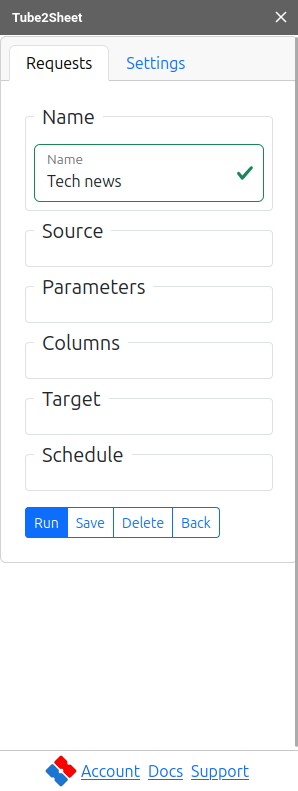

What is Tube2Sheet?
Tube2Sheet seamlessly integrates YouTube Data API and YouTube Analytics API into Google Sheets, allowing you to:
- Access Real-Time Data: Fetch the latest YouTube metrics without leaving your spreadsheet.
- Customize Queries: Tailor data requests to your specific needs, from basic to advanced.
- Automate Reporting: Schedule regular data updates for effortless tracking and analysis.
- Enhance Productivity: Streamline your workflow by eliminating manual data copying and pasting.
Key Features
- Intuitive Interface: User-friendly design suitable for beginners and power users alike.
- Flexible Data Retrieval: Choose from pre-configured queries or create custom requests.
- Data Privacy: Your information stays within Google Sheets; we only require your email address.
- Free Core Functionality: Access essential features at no cost, with advanced options available in Pro.
- Power BI Integration: Generate Power Query scripts for seamless data transfer to Power BI.
- Scheduling: Automate data updates with customizable schedules (Pro feature).
- Advanced Customization: Fine-tune your data output with options like custom timestamps, URL additions, and column filtering.
Why Choose Tube2Sheet?
- Time-Saving: Eliminate hours of manual data collection and formatting.
- Accuracy: Reduce human error by directly fetching data from YouTube's APIs.
- Flexibility: Adapt to various use cases, from content creator analytics to market research.
- Scalability: Easily manage data for multiple channels or large video libraries.
Getting Started
New to Tube2Sheet? Start your journey with our Getting Started Guide. Learn how to:
- Install the Tube2Sheet add-on
- Set up your first data request
- Customize queries to fit your needs
Need Assistance?
- Check our Troubleshooting Guide for common issues and solutions.
- Visit our Support Page for personalized help.
Explore the sections below to dive deeper into Tube2Sheet's capabilities and make the most of your YouTube data analysis.